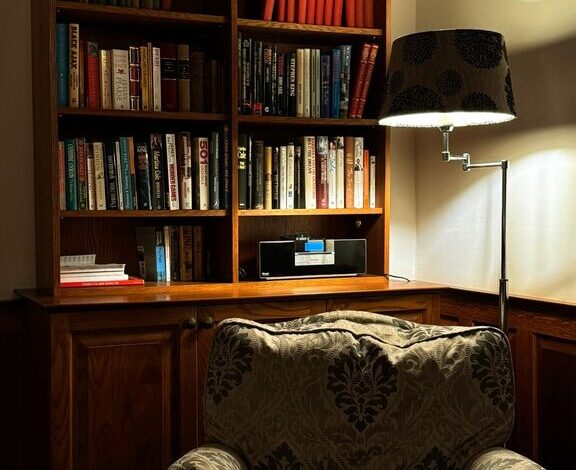
Tips for Organizing Your Home Office to Boost Productivity and Comfort
Creating an effective home office space is essential for anyone looking to work comfortably and productively from home. A well-organized workspace not only helps reduce distractions but also promotes focus and efficiency throughout the day. Whether you’re new to remote work or simply looking to improve your current setup, these practical tips will guide you in organizing your home office to boost both productivity and comfort.
Choose the Right Location
Find a Quiet Spot
Select a place in your home that is relatively quiet and free from distractions. Avoid high-traffic areas where noise might interrupt your workflow. If space is limited, consider using room dividers or noise-canceling headphones to create a calm environment.
Natural Light Matters
Try to set up your desk near a window. Natural light can help reduce eye strain and improve your mood. If natural light is limited, invest in good quality lighting to keep your workspace bright and inviting.
Declutter Your Workspace
Keep Only Essentials on Your Desk
A cluttered desk can be overwhelming and distracting. Start by removing everything from your workspace and only putting back the essentials — your computer, a notepad, and a few organizational tools like pens and sticky notes.
Use Storage Solutions
Invest in storage options such as drawers, shelves, or bins to keep supplies organized and out of sight. Labeling storage containers can also save time searching for items.
Digitize Paperwork
Reduce physical clutter by scanning important documents and storing them digitally. This method saves space and makes files easier to find when you need them.
Invest in Ergonomic Furniture
Choose a Comfortable Chair
Spending hours in an uncomfortable chair can lead to back pain and fatigue. Choose an ergonomic chair that supports your posture and provides adequate back support.
Get the Right Desk
Your desk should be the right height and spacious enough for your computer and other tools. Adjustable desks or sit-stand options allow you to change your position throughout the day, promoting circulation and reducing stiffness.
Organize Cables and Electronics
Use Cable Management Tools
Messy cords can be both frustrating and hazardous. Use cable organizers, clips, or sleeves to keep cords untangled and off your floor.
Keep Electronics Accessible
Arrange frequently used devices such as printers, chargers, and external drives within easy reach but neatly organized to prevent clutter.
Personalize Your Space
Add Inspiring Elements
While it’s important to keep your space organized, adding personal touches such as photos, plants, or artwork can make your workspace more inviting and motivating.
Choose Calming Colors
Colors can affect your mood and productivity. Consider soft blues, greens, or neutral tones for a soothing and professional atmosphere.
Plan Your Workflow and Time
Use a Planner or Calendar
Keeping a planner or digital calendar visible at your desk helps you stay on task and manage deadlines efficiently.
Create Zones Within Your Office
If space allows, dedicate areas for different activities: one spot for computer work, another for reading or brainstorming, and a separate place for storage.
Maintain Regular Cleaning and Organization
Set a Daily Cleanup Routine
Spend five to ten minutes at the end of each workday tidying your desk and organizing papers or supplies. This simple habit can keep clutter under control.
Schedule Weekly Reviews
Once a week, take some time to review and reorganize your workspace, filing documents and restocking supplies. A clean environment supports sustained productivity.
Optimize Technology and Tools
Keep Software Updated
Make sure your computer and apps are up-to-date to avoid disruptions caused by slow performance or security issues.
Use Productivity Tools
Apps for task management, note-taking, and time tracking can help keep you organized and focused.
—
By applying these tips, you can transform your home office into a space that supports your work goals and personal comfort. A thoughtfully organized environment not only enhances productivity but also makes working from home a more enjoyable experience. Start small, and gradually adjust your setup to find what works best for you.